

WORKSPACE SETTINGS
Manage a workspace
Understand general settings, membership, billing and access.
Workspace settings apply to the selected workspace. Personal settings apply to your own profile and sign-in details. Check which one you are changing.
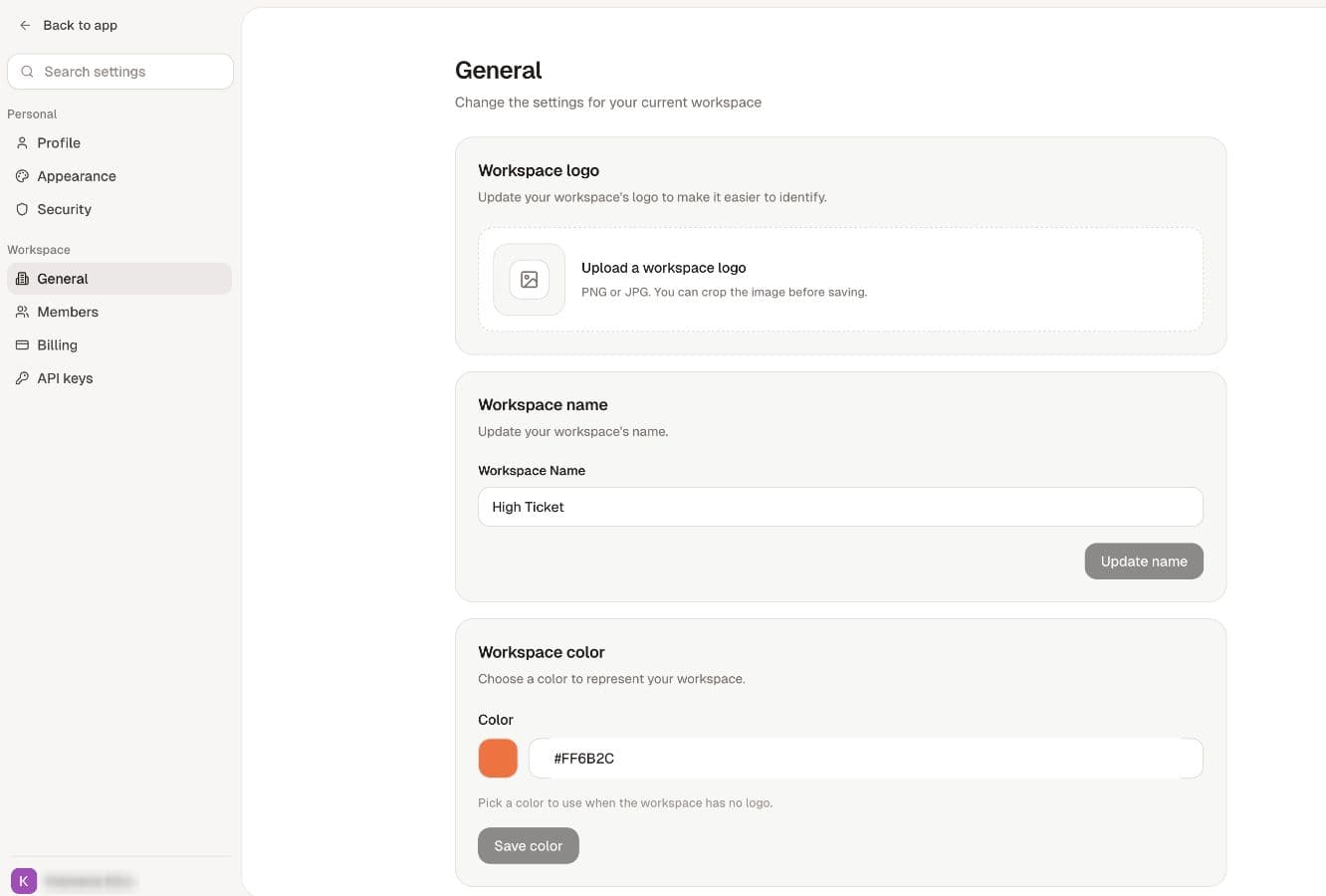
Open Settings in the app sidebar. Under Workspace, the pages available to you can include General, Members, Billing and additional controls for enabled features.
Watch the walkthrough
Read the walkthrough steps
- Choose the intended workspace before opening Settings.
- Use General to update workspace details.
- Choose the appropriate role before inviting a teammate.
- Review your own plan and credits in Billing.
Choose the task
- General settings: name, logo, color and setup controls.
- Members and roles: membership, invitations and permitted role changes.
- Billing: plan assignment, credits and subscription management where authorized.
- Access and missing controls: check role, feature access and allowances.
Billing is normally shown to workspace owners. Other settings depend on permissions and configuration. Seeing a page or button does not override server-side checks for the action.
For a personal name, email, appearance or security change, use personal account settings.