

Find and organize saved research
Reopen angles, check product focus and keep useful ideas accessible.
You do not need to generate again to see earlier results. First check the workspace, product and filters.
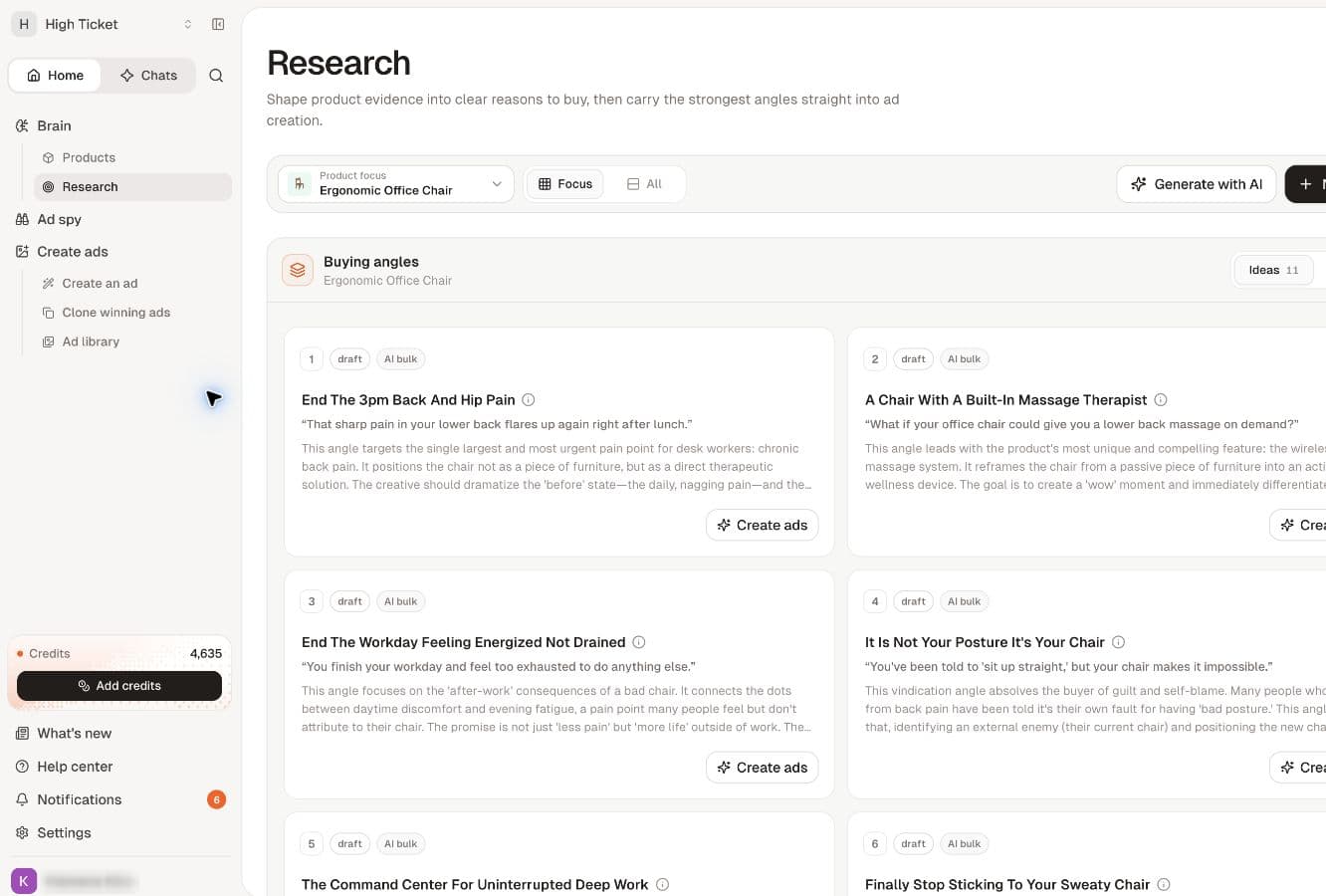
Find angles for a product
- Open Products, then the product.
- Find Buying angles.
- Select Show all if the section displays only some of the cards.
- Open a card to inspect the saved angle.
Use the Research library
- Open Research under Brain.
- Check Product focus and select the intended product.
- Review Focus or All, depending on the scope you need.
- Check Ideas and Winners so a category is not hiding what you expect.
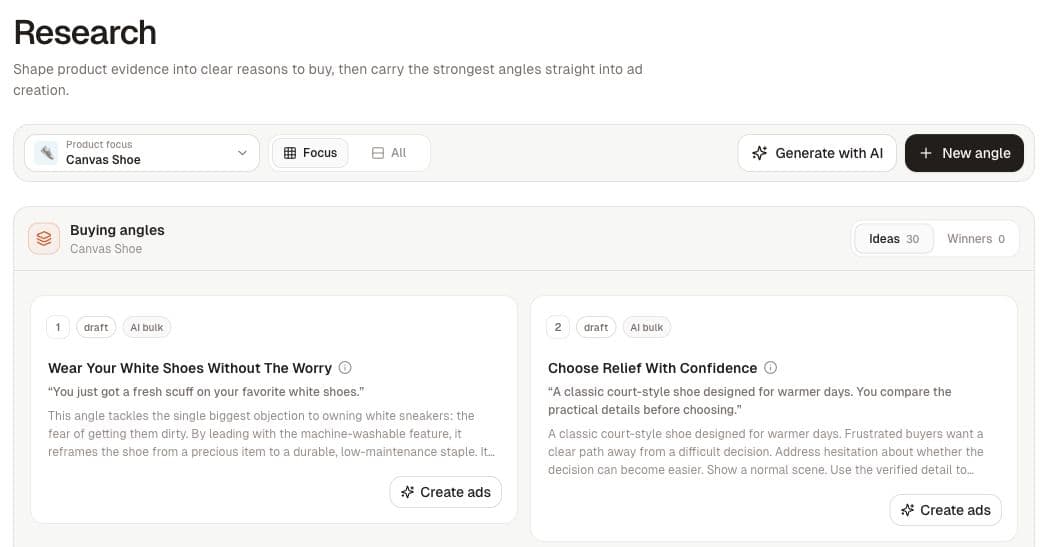
Keep ideas organized
Pin an angle you want to return to. The winner label is a label you apply; it does not verify performance. Keep product linkage accurate when using Link existing or adding a New angle.
Creating a chat about an angle does not automatically create a structured record in Research. If you cannot find an idea there, check whether it exists only in chat history.
If something appears missing
Confirm the workspace and product first. Clear filters, check other idea categories, then reload. If a generation run is still processing, wait for its completion state. If an error was shown, follow generation recovery before starting another batch.
Do not delete existing work as a troubleshooting step. Report the product name and the approximate time of the missing run if it still cannot be found.
Related
Work with angles · Recover when angle generation does not finish