

Add supporting research files
Attach focused product evidence and understand the supported research formats.
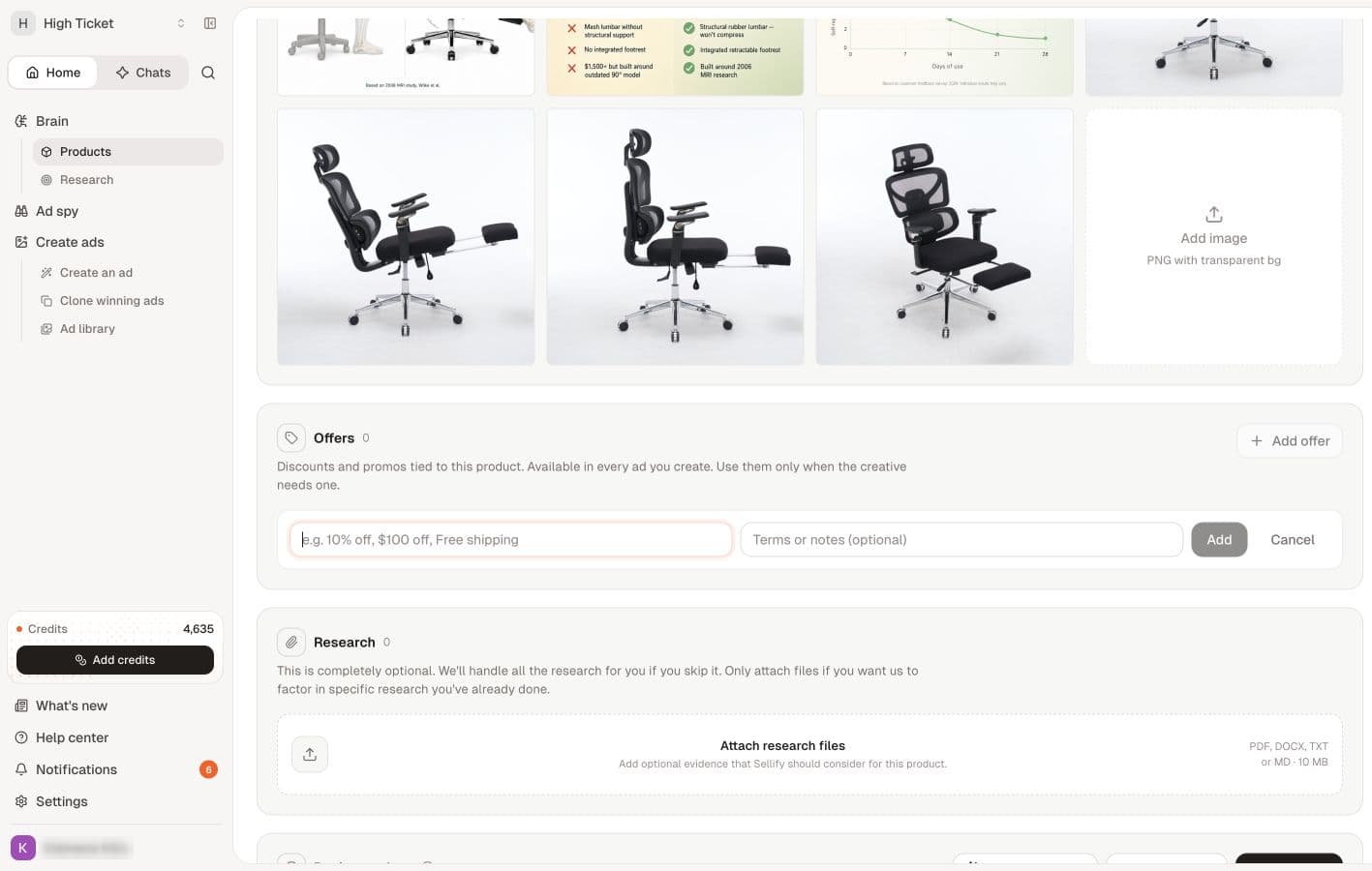
Research files are optional. Use them when you have specific material you want associated with the product, such as specifications or a summary of genuine customer questions.
Before uploading
The product research form accepts PDF, DOCX, TXT and MD files, with up to 10 files per product and 10 MB per file. These are product-research limits; Agent chat attachments use different validation.
Use readable text. A scan made entirely of pictures may not provide the same usable text as a text-based document. Keep the relevant information near the beginning and avoid large unrelated collections.
Attach a file
- Open the saved product.
- Find Research.
- Select Attach research files and choose a supported file.
- Wait for processing to finish, then check that its filename appears in the list.
- Reopen the product to check that the attachment is still listed.
An indexing label describes processing status, not a guarantee that every future answer will use every sentence. Review generated results against the original evidence.
Download or remove material
Use the download control beside the filename to retrieve an attachment. Use its remove control only when the document should no longer be attached to the product. Check the filename carefully before removing anything.
If the file is rejected
Check the extension, size and number of files already attached. Shorten irrelevant content or use a supported text format. If an upload appears to fail, inspect the file list before retrying so you do not add duplicates.
For a persistent problem, report the filename, type, size and error. Do not send private customer information unless it is necessary and appropriate for the support request.