

Prepare your product information
Gather useful facts and source material before you add a product.
Start with enough reliable information to explain the product to a customer. More text is useful only when it adds relevant facts.
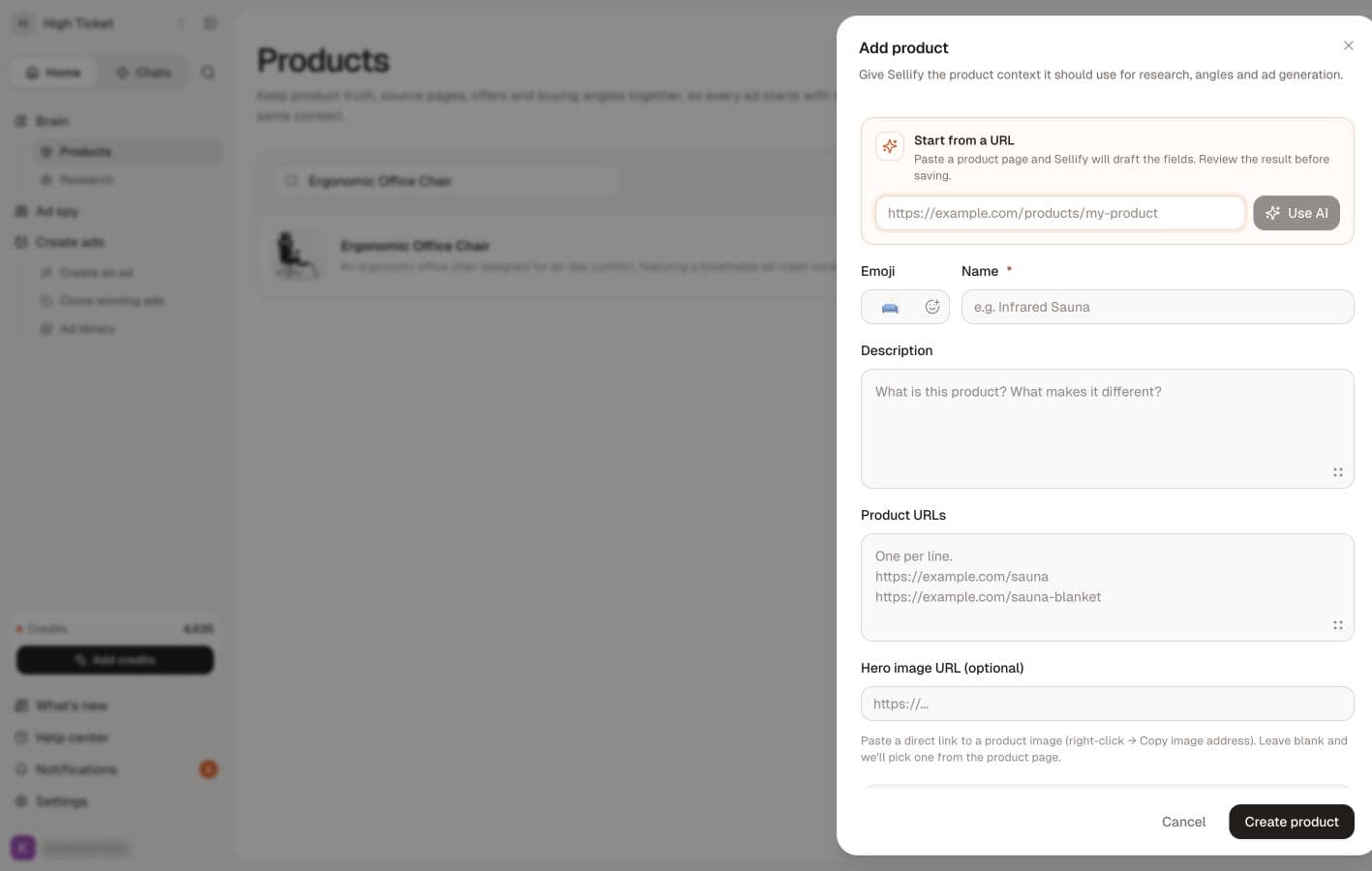
Gather the essentials
- A recognizable product name.
- What the product is and who it is intended for.
- Verified details such as materials, dimensions, capacity, included items and available variants.
- The public product-page URL, if you have one.
- Images that accurately show the product and that you have permission to use.
- Any offer terms you are currently able to honor.
Write a useful description
Use plain language. For example: “A 750 ml stainless steel bottle with a carry loop and screw-top lid, intended for commuting and day hikes.” This is a fictional sample, not a claim about a real product.
Separate facts from ideas you want to test. If you have not checked whether the lid is leak-proof, do not describe it as leak-proof. If an AI draft adds a benefit, confirm it against the product before saving it.
Choose source pages
Use the page for the actual product or variant. A store home page gives less focused context than a product page. Check that the page opens without a login and that its details are current.
Multiple product URLs can provide useful context, but avoid mixing unrelated products. Check currency, language, size and color variants so the sources do not contradict one another.
Use research selectively
Useful research includes genuine customer questions, product specifications and your own observations from sales or support. Remove unnecessary personal information from material you upload.
You do not need to attach research files before starting. The product research section is for material you specifically want considered.
Before adding it
Check your workspace and product allowance. Then add the product. If you use Use AI, review the resulting fields; extracting text from a page is not verification of its claims.