

Use a reference without copying its claims
Start with a creative structure and adapt it to your own product.
Clone winning ads provides a starting point from reference creative. Treat a reference as inspiration. The “winning” label does not tell you the advertiser’s profit or predict results for your store.
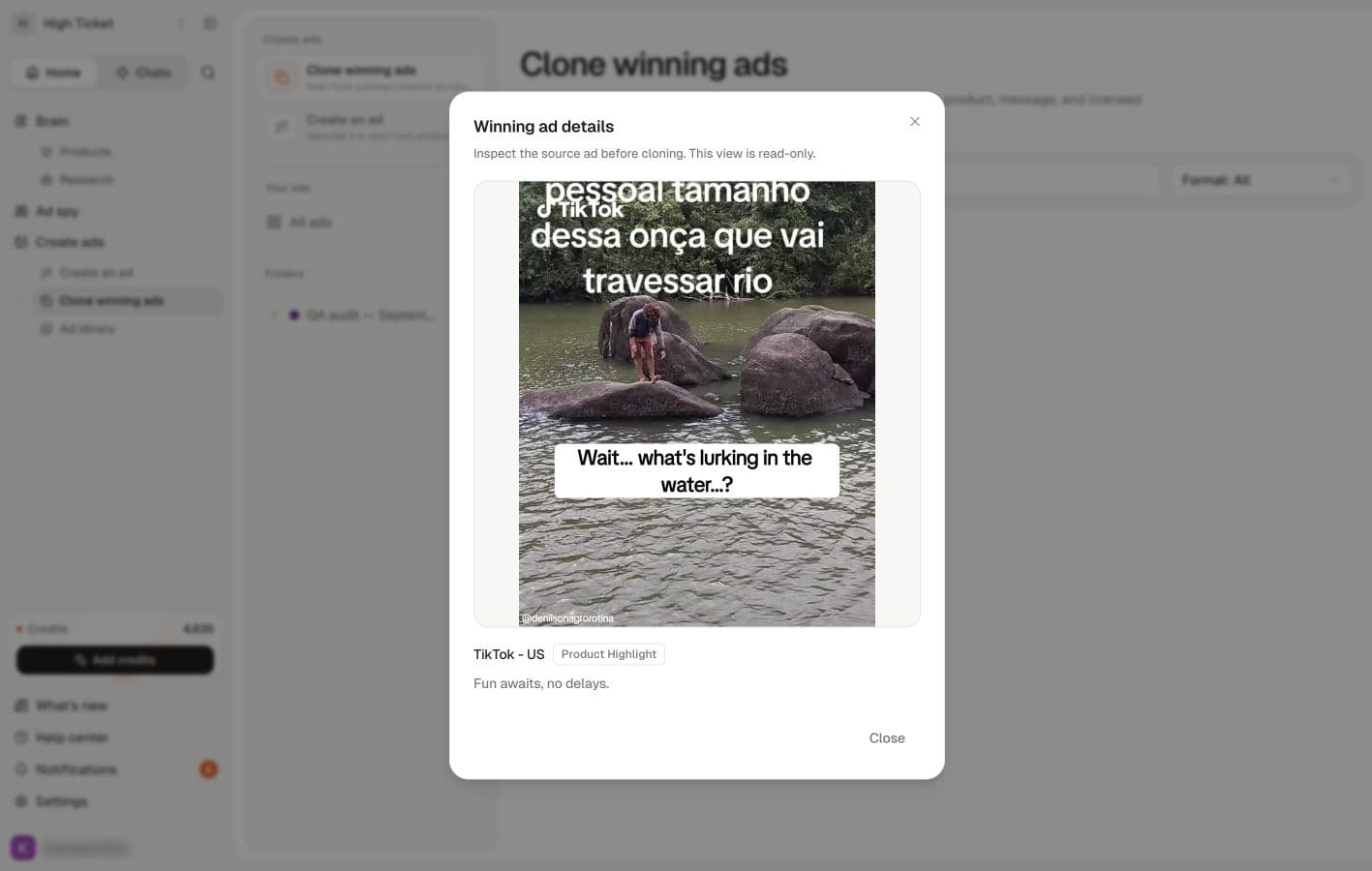
Watch the walkthrough
Read the walkthrough steps
- Choose a reference in Clone winning ads.
- Review its source. Use your own branding and supported claims.
- Check product, ratio, angle and offer before Clone and generate.
Choose a reference
Open Create ads → Clone winning ads. Use Search winning ads and Filter by format to narrow the selection. Open the reference details and review its structure, headline, product presentation and source.
Choose an idea you can explain in your own words, such as a clear product close-up or an answer to a common customer question. Use your own product facts and images you have permission to use.
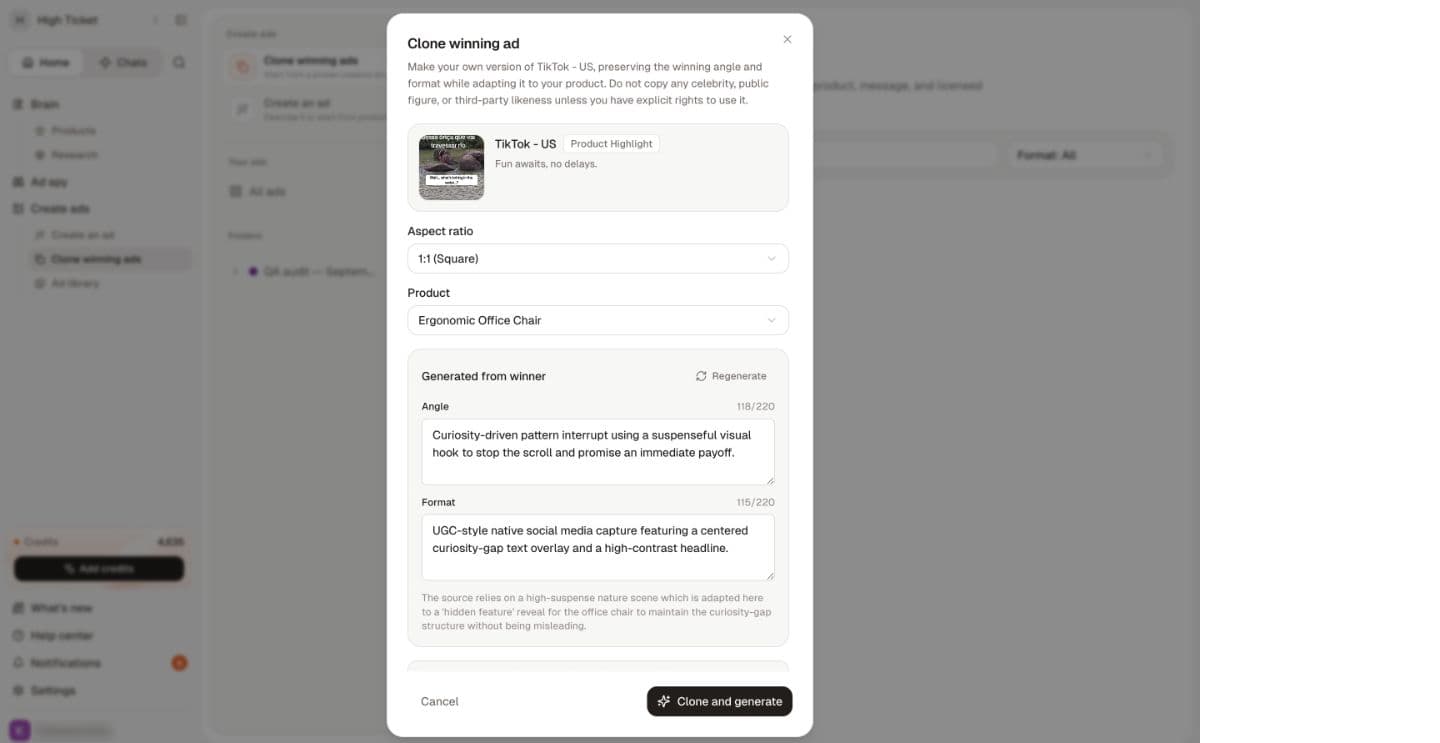
Start the adaptation
Select Recreate on the intended reference card. Before requesting any generation, review the product, message and assets in the next screen. Do not carry over a competitor's price, testimonial, discount, branding or claim simply because it appears in the reference.
If Recreate opens an error, return to Create an ad → Describe your ad and write the structure as a brief using your own assets. Report the reference and error so the team can investigate. You do not need to keep retrying the failing reference.
In Clone winning ad, review Aspect ratio and Product. Once a product is selected, Sellify analyses the reference and writes an Angle and a Format summary, each up to 220 characters. Both are editable, so correct anything it read wrong before generating. If the analysis fails, the panel offers Retry.
If the reference ran a discount, the panel says which of your product's offers it will use, or that the clone will generate without one when no offer matches. Add an offer to the product first if you want one carried across.
A clone produces five variations. The Clone and generate button shows the total estimate, including the strategy analysis when a fresh one is needed. Image generation is charged for the variations that are delivered; a fresh strategy analysis is charged once the clone is queued, even if generation later fails. Check your library after closing a preview before repeating the workflow.
Finish with the same review and download checks as an original ad.
Related
Create your first image ad · Add an offer to a product · What's the difference between cloning and building an ad?